In the digital age, people expect technology to be instantaneous and simple. Replica App makes it easy for users to transfer content between screens. This app is a wireless option to cables and adapters. Many iPhone and iPad users want to mirror content without any technical hassle. Replica App allows seamless screen sharing across compatible devices. This guide will explain the app’s workings and why it is suitable for modern viewing habits.
Screen sharing can be done for entertainment, business, or personal reasons. When displaying videos, photos or presentations on large screen displays, users need flexibility. Replica App makes this process easy and accessible. It can be used in many different environments, from classrooms to living rooms. App focuses on simplicity in order to eliminate common screen-mirroring barriers. The app is appealing to both casual and tech-savvy audiences.
How Screencasting Enhances the iOS Experience?
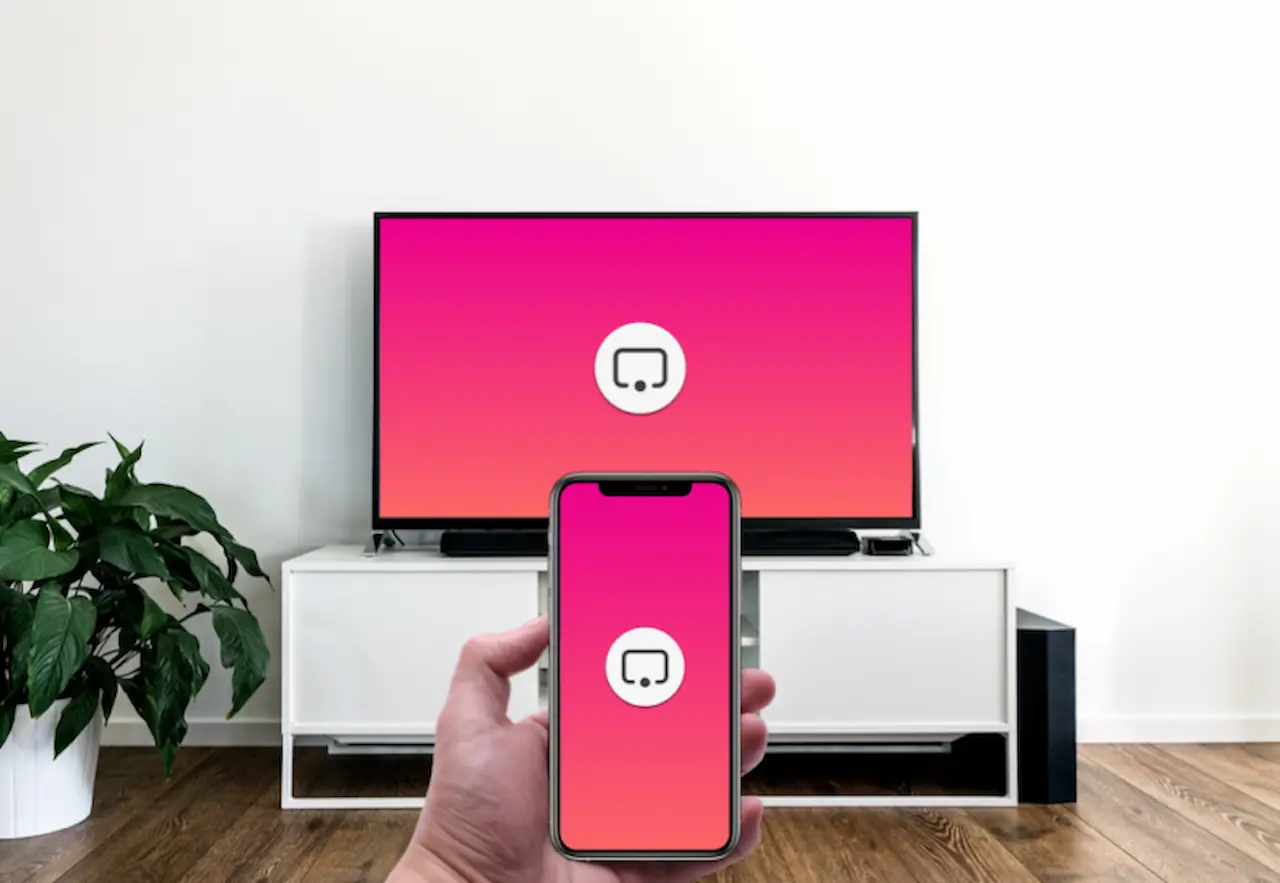
The screen casting feature is an excellent tool for iOS users looking to share content with greater ease and flexibility. The need to view content on larger screens is increasing as smartphones and tablets become more popular for learning, work and entertainment. Users can mirror or stream the iOS device display onto TVs, monitors or projectors. This makes it easier to share and view content.
Screen casting’s wireless capabilities are one of its main advantages. AirPlay allows users to connect their iOS devices with compatible displays without the need for cables or adapters. Wireless connections simplify setup, reduce clutter and allow users to move around freely without having to be physically connected to the screen. Video, photos, presentations and apps are displayed with ease, improving convenience and efficiency.
Screencasting is a great way to support both entertainment and productivity within digital environments. Users can stream movies or music on large screens to create a more immersive entertainment experience. Screen casting can be used for collaboration, presentations and demonstrations in professional and educational environments. This feature makes content sharing easier, more engaging and more effective.
Why Screen Mirroring Matters Today?
Screen mirroring is changing the way people share and consume digital content. Users prefer immersive displays over viewing content on smaller screen sizes. Wireless casting is now more important than ever. Many iOS users want simple solutions that don’t require complicated setup procedures. Replica App simplifies the screen mirroring process. This is an excellent alternative to the wired connection.
Smart TVs and streaming devices are common in modern homes. These areas are designed to promote social interaction and viewing together. Screen mirroring lets families and friends enjoy content together. Larger displays make it easier to share videos, photos, or apps. Replica App makes this possible through casting. It transforms compatible screens into shared viewing locations.
Native iOS limitations explained.
Thescreen-sharingg capabilities of iOS devices are limited in a number of ways. Native options are often limited to certain setups and devices. This limitation frustrates users with equipment that is not supported or mixed. This is because many screens are incompatible with the default settings. Replica App fills this gap by expanding compatibility. Replica App lets users mirror content without replacing their device.
Lack of control and flexibility is a limitation of screen-sharing. Native tools often lack advanced customisation features. Users want more control over how content is displayed on a large screen. Replica App offers improved adaptability for different viewing requirements. The flexibility of the app makes casting easier. This results in a smoother and more reliable overall experience.
How does Replica work?
Installing the app for the first time
Replica App makes it simple to start using the app. The first step is to install the app on an iPhone or iPad. The setup is designed to be simple and clear. Once the app is launched, it will guide you through each step. This app was designed to make it easier for first-time users. This app is designed for both novices and advanced users.
The app shows users all the devices that are available. The app scans the network and displays compatible screens. The app will connect users to the network with no technical problems. The screens are visually clear, making it easy to select the correct screen. Replica App boosts user confidence during setup. This thoughtful design can make a big difference in the first impression.
Connecting devices to the Same Network
Only a wireless network shared by both devices can be used for screen mirroring. Both the iOS device12 and the screen that will receive the mirroring must be connected to a network. This connection is required to maintain stable communication between devices. The Replica App checks this automatically to avoid errors. This app guides the user to make all necessary adjustments. The common connection problems are eliminated.
The connection between devices is seamless as soon as they are connected to the network. The user selects their desired screen from a list. The app handles all technical processes behind the scenes. Simpler apps reduce frustration. Replica App is designed for iOS to make connections appear natural. It mimics how people expect technology today to behave.
Mirroring the screen at startup
Mirroring takes only a few clicks. After selecting the desired screen, users can start the session. App displays the iOS screen immediately. Instant response can be a powerful way to create positive experiences. Normal use is not affected by a delay. Mirroring allows the user to interact with his or her device.
Different types of content support mirroring. Users can share presentations, apps, videos and photos. Its versatility makes this device ideal for many scenarios. It is the same experience at home and at work. Replica App gives screen mirroring a reliable feel. Over time, this builds trust among users.
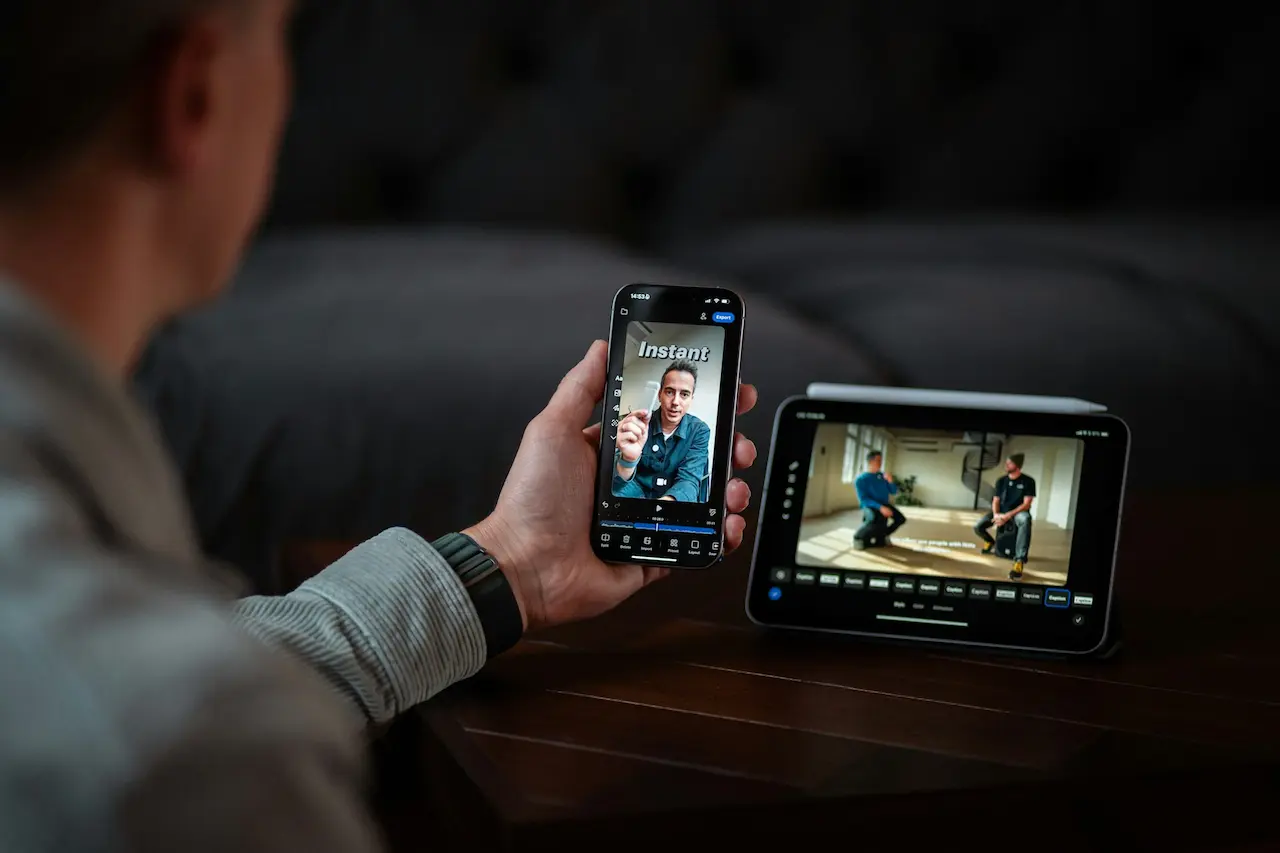
Replica App Performance & Visual Experience
Replica App delivers a stable image during normal use. Although minor delays may occur, these are typically minimal and have little impact on the viewing experience. The app is reliable and consistent in its image quality, allowing users to use it regularly. The user interface is easy to use, which improves the overall experience.
Older devices with limited hardware capabilities may suffer from reduced performance if they are used intensively. It is normal, as screen mirroring uses a lot of processing power. Replica App is compatible with all modern iOS devices and is designed to be high-quality and responsive. The app is designed to provide uninterrupted viewing for casual or extended usage.
Interface Design and User Experience
Simple interfaces increase usability and confidence. Replica App is sleek and has a modern design. Navigation is easy and clutter-free. Each option is clearly labelled for ease of understanding. This design choice reduces learning time. This choice of design allows users to concentrate on content instead of controls.
Visual consistency increases user satisfaction. The menus and icons have been organised with care. The app has a polished and professional appearance. The app looks well-maintained and is updated. Many users appreciate this attention to detail. Replica App stands out from the competition because of its attention to detail.
What and how people use it
Screen mirroring is mainly used in the living room and other entertainment areas. Families enjoy sharing photos, videos, and movies on large screens. Replica App makes it easy to share these moments with family and friends by casting easily and reliably. Replica App simplifies movie nights and casual photo-sharing. Any compatible screen can be turned into a hub for entertainment. This flexibility makes modern home environments more flexible.
The home should provide comfort, connectivity and the opportunity to share experiences. The screen mirroring allows you to achieve these goals without interfering in the moment. Replica App is the perfect fit for this setup. There are no more cables cluttering up the entertainment area. Viewing is now cleaner and more modern. This is in keeping with current home and lifestyle trends.
In educational and professional environments, wireless screen sharing can be beneficial. When there are no physical cables to slow the process, presenting is much easier. Replica App enables content sharing during meetings and lessons. Visual clarity helps explain complex ideas. This increases engagement and understanding. This app is perfect for collaborative and professional settings.
Enhancing digital experiences every day
Replica App is a screen-mirroring app that focuses on providing a reliable, seamless process. This is important in the digital world of today. The app acts as a bridge that allows users to seamlessly switch between their personal devices and shared displays. This allows them to enjoy content in a larger format. Replica App is designed to enhance the way users interact and consume digital media.
Replica App gives users greater control and confidence over their devices by simplifying complicated processes and eliminating unnecessary technical steps that are unnecessary. The clean interface, stability, and ease of use make this app ideal for home, office, and educational environments. Replica App is a screen-mirroring app that’s easy to use, reliable, and offers a better content-sharing experience.